
Originally published April 30, 2025. Restored and reviewed November 19, 2026.
In healthcare, every second counts, and so does every access point. From medication rooms and emergency departments to administrative suites and staff-only elevators, hospitals and clinics must secure a wide variety of spaces without slowing people down.
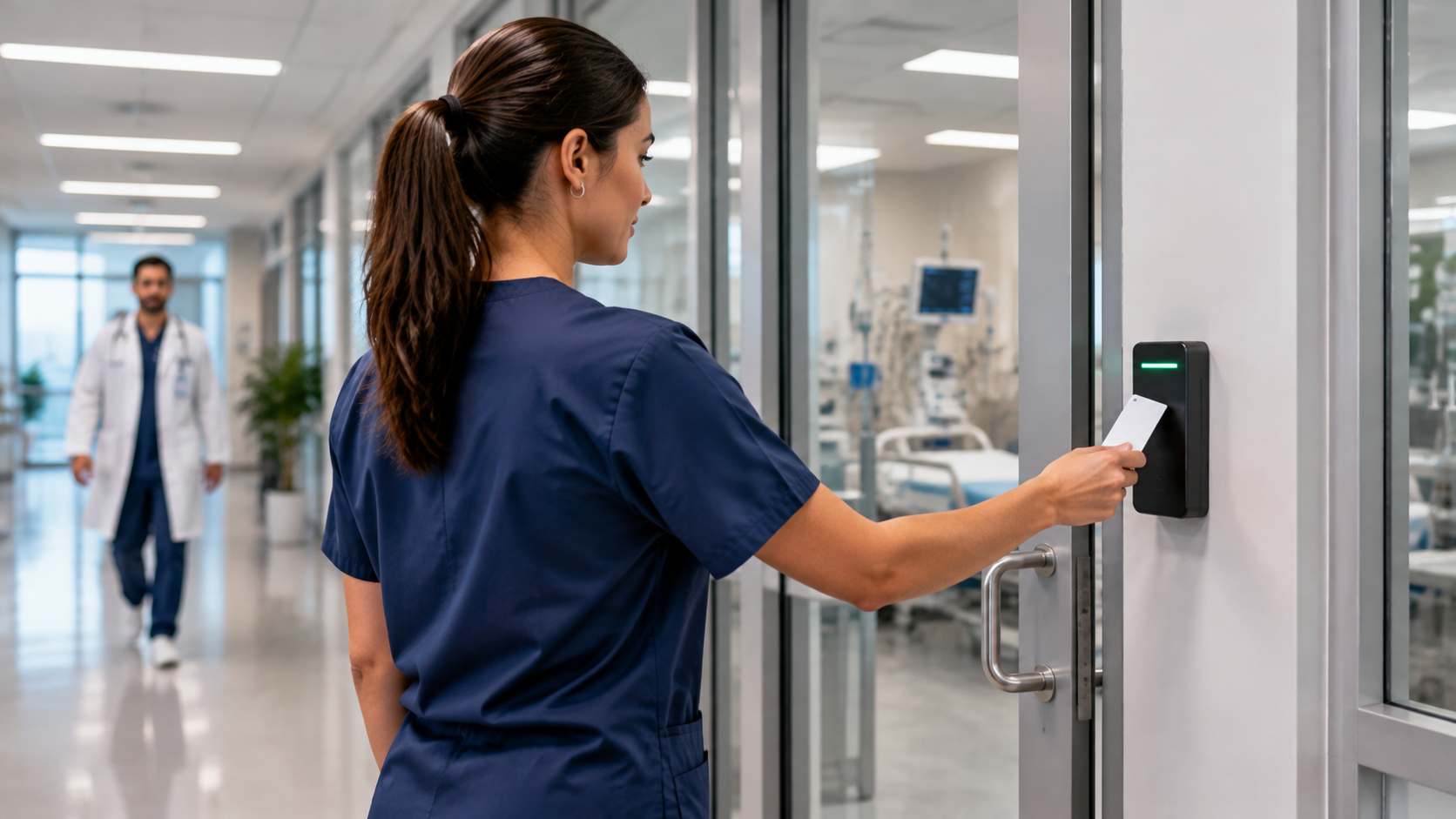
Mobile access control gives authorized staff another way to enter those spaces: a supported smartphone can act as a digital credential. It can complement existing badges rather than require every employee to abandon them.
What Is Mobile Access Control?
Mobile access control uses smartphones as digital credentials for compatible readers and access-control platforms. Depending on the system, an employee may tap a phone at an NFC reader, use a Bluetooth-enabled app, or present a supported digital-wallet credential.
Some configurations can require a device passcode or biometric verification. Hands-free entry, offline operation and authentication requirements vary by platform, reader, phone and configuration. Confirm those details before choosing a system.
Why It Makes Sense for Healthcare Facilities
1. Managing Access Across Changing Roles and Shifts
Doctors, nurses, technicians, environmental-services staff, contractors and visiting specialists may need different permissions at different times. Lost badges and staff changes add administrative work.
Supported mobile systems let administrators issue, change or revoke credentials remotely. Role-based permissions and time schedules can limit access to the spaces each person needs. Revocation depends on the platform and connectivity, so teams should confirm how changes reach online and offline doors.
2. Contactless Entry Can Support Staff Workflows
Mobile credentials can reduce the need to carry a separate card and may reduce contact with shared keypads or readers. A pilot should check how the system works for staff wearing gloves, carrying equipment or moving between departments.
Contactless access is not an infection-control measure on its own. Clinical hygiene policies still apply, and emergency access and safe egress must remain available regardless of the credential type.
3. Reducing Credential Sharing
A credential on an individually assigned device can be less convenient to lend than a badge or shared PIN. Supported device authentication can add another control, but a phone does not eliminate misuse.
Medication storage, record rooms, IT spaces and other restricted areas still need appropriate permissions, staff procedures and access reviews. Plan how to suspend a lost phone's credential and provide a secure alternative.
4. Streamlining Credential Administration
Mobile access can simplify issuing credentials to visiting physicians, temporary staff and contractors. Where the selected platform supports it, integrations with approved HR or identity systems may help keep permissions aligned with employment status and role.
Access-event records can support investigations and reviews. They show credential and door activity; they do not by themselves prove a person's identity or everything that happened inside a room. Define who reviews those records and how long they are retained.
5. Supporting Physical Safeguards
For HIPAA-regulated organizations, facility access controls are one part of a broader physical-safeguards program. Role-based access, controlled entry and documented procedures can support that program, but installing mobile credentials does not automatically make a facility HIPAA compliant.
The appropriate safeguards depend on the organization's risk assessment, policies and environment. See the HHS explanation of physical safeguards.
Real-World Applications in Healthcare
- Staff-only entrances: Give authorized employees convenient access while preserving separate public and emergency routes.
- Medication and supply rooms: Apply role-appropriate permissions and review access events.
- Administrative offices and staff spaces: Use schedules that reflect shifts and operational needs.
- Multi-site clinics: Manage supported credentials centrally while confirming connectivity and local door behavior.
Is Mobile Access Control Right for Your Facility?
Start with a few practical questions:
- Are lost badges, shared PINs or frequent staff changes creating avoidable work?
- Do existing readers and door hardware support the proposed mobile credential?
- Will the organization provide devices, or will staff use personal phones under a documented policy?
- What happens if a phone is unavailable, its battery is depleted, or a connection fails?
- How will the system preserve emergency access, required egress and accessibility?
- Who will issue credentials, revoke access and review permissions after rollout?
A limited pilot can test these questions before a larger deployment. Keep suitable cards, fobs or other alternatives available where staff needs or operational policies require them.
How SSP Helps Healthcare Teams Make the Switch
Southeastern Security Professionals helps hospitals, clinics and medical campuses evaluate commercial access control systems, review existing doors and readers, plan integrations, and train administrators and staff. We also provide ongoing service and support for supported systems.
Explore SSP's healthcare security services or talk with an SSP specialist about a mobile-credential rollout that fits your facility.